
Video
Phone Not Ringing? 6 Fixes Trade Business Owners Miss
Summary
Dan runs a two-truck HVAC company. His phone has gone quiet while a competitor across town keeps booking jobs. This video walks through six things a trade business owner can check, most of them free: a Google Business Profile, a clear and fast website, service-area pages that follow Google’s spam policies, honest reviews under the FTC rule and Google’s policy, how Google Local Services Ads count and charge leads, and the federal FCC rules for texting customers. It ends with the basics of protecting your domain, business email and customer data.
Every rule in the video comes from the official source listed below. This is general information, not legal or tax advice, and some rules vary by state. The pictures are illustrations made with AI tools and the narration is an AI voice.
Shorts from this video
Images from this video
Illustrative image created with AI tools. Not a photo of a real shop or person.




Full transcript
0:00 Your phone hasn't rung all morning.
0:03 Across town, a competitor just booked another job. Same trade. Same city.
0:09 So what are they doing that you're not?
0:11 Stick around. Most of it is free to check, and step five is the one owners get wrong.
0:20 Picture Dan. He runs a two-truck HVAC company.
0:24 Great work. Loyal customers. And almost no calls from people who don't already know him.
0:30 Let's fix Dan's setup, one step at a time, using only what Google, the FTC and the FCC actually say.
0:38 No tricks. No made-up numbers.
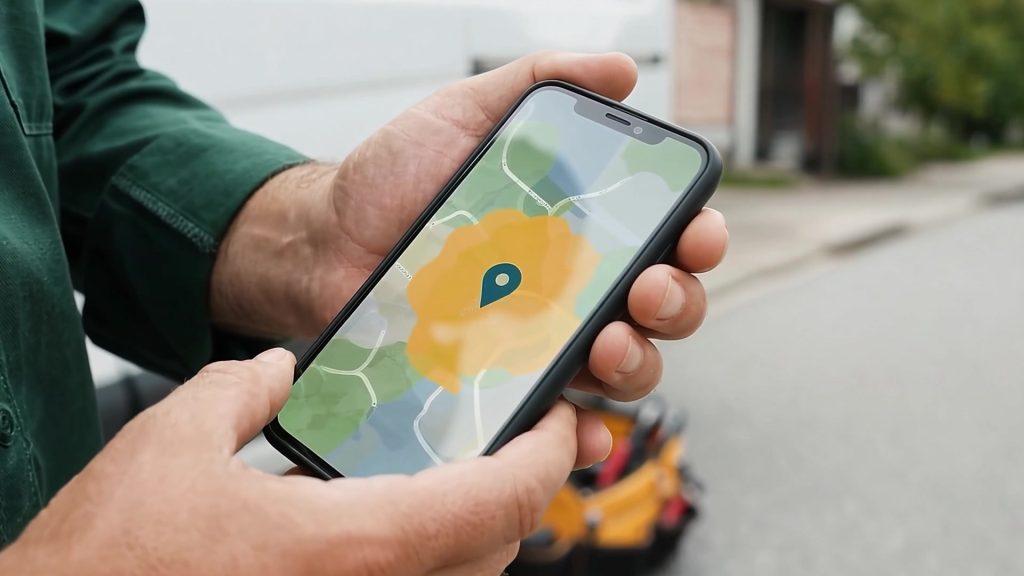
0:41 Step one: the Google Business Profile.
0:45 Google says adding or claiming one is free.
0:48 Dan drives to his customers, so he can hide his street address and list up to twenty service areas instead.
0:54 Use the real business name. No stuffed keywords. Pick the category that says what you are, and verify it.
1:02 And here's the part that saves money: Google says no one can pay for a better local ranking.
1:08 So if someone calls promising that, hang up.
1:12 Step two: a website that answers three questions fast.
1:16 What do you do? Where do you work? How do I reach you?
1:20 Add real photos, and your license number where your state requires it.
1:25 Google's own SEO Starter Guide says there are no secrets that automatically rank a site first. So skip the keyword tricks.
1:33 Make it fast instead. Google's Core Web Vitals call a page good when the main content shows within two and a half seconds, it responds to a tap in under two hundred milliseconds, and the layout barely jumps.
1:47 Google says good scores help, but don't guarantee rankings.
1:51 Speed is for the customer standing in a flooded basement.
1:55 Step three: service-area pages. This is where a lot of contractors get burned.
2:02 Google's spam policies call out city pages that funnel visitors to one page, and blocks of text that just list cities.
2:10 That's doorway abuse and keyword stuffing.
2:13 A good area page gives a customer there something real: what you do there, how scheduling works, and local work you've actually done.
2:22 Step four: reviews.
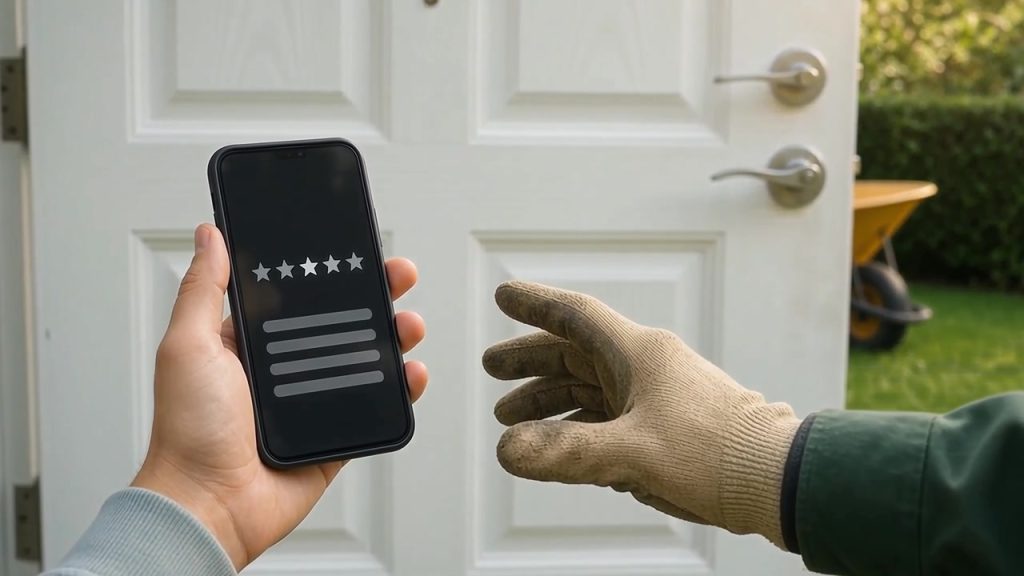
2:25 Ask every customer for an honest review. Not just the happy ones.
2:29 The FTC's rule bans fake reviews and paying for reviews.
2:34 Google goes further and bans incentives for any review.
2:38 So no discounts for five stars. Just a thank-you, a short ask, and the link.
2:44 Step five is the one owners get wrong: Google Local Services Ads.
2:49 You pay for leads, not clicks.
2:52 But Google says a missed call during your business hours can count as a lead, if the caller stays on the line for more than twenty seconds.
3:00 So every unanswered ring matters.
3:03 Google does reassess charged leads over thirty days, with automatic credits for poor-quality ones.
3:09 And plan ahead: U.S. screening and verification takes three to four weeks on average after you submit documents.
3:17 Step six: when the calls come in, follow up the right way.
3:22 Under the FCC's rules, marketing texts sent with an autodialer need the customer's prior express written consent.
3:30 No telephone solicitations before 8 a.m. or after 9 p.m., their local time.
3:36 And if a customer replies stop, quit, cancel or unsubscribe, consent is revoked. You have ten business days, at most, to honor it.
3:47 Last: protect what you've built.
3:50 Register your domain in the business's name, with an email you control, and turn on auto-renew.
3:56 Gmail requires every sender to set up SPF or DKIM.
4:00 And follow CISA's four basics: watch for phishing, use strong passwords, turn on multifactor authentication with a password manager, and keep software updated.
4:13 So that's Dan's new setup.
4:15 A verified profile. A fast, honest website. Real area pages. Honest reviews. Ads he understands. Texts that follow the rules.
4:25 None of it is a trick, and every step comes straight from the official source.
4:30 Each one has a full plain-language guide, with the sources linked, at truetradeguide.com.
4:36 Rules change, and some vary by state, so check the source for yours.
4:40 See you there.
Sources
- Google Business Profile Help: Add or claim your Business Profile on Google (checked October 30, 2026)
- Google Business Profile Help: Guidelines for representing your business on Google (checked October 30, 2026)
- Google Business Profile Help: Manage your service areas (checked October 30, 2026)
- Google Business Profile Help: Tips to improve your local ranking on Google (checked October 30, 2026)
- Google Search Central: Understanding Core Web Vitals and Google search results (checked October 30, 2026)
- Google Search Central: Understanding page experience in Google Search results (checked October 30, 2026)
- web.dev (Google): Web Vitals (checked October 30, 2026)
- web.dev (Google): Optimize Largest Contentful Paint (checked October 30, 2026)
- web.dev (Google): Optimize Cumulative Layout Shift (checked October 30, 2026)
- Google Search Central: Spam policies for Google web search (checked October 30, 2026)
- eCFR: 16 CFR Part 465, Use of Consumer Reviews and Testimonials (checked October 30, 2026)
- Federal Register: Trade Regulation Rule on the Use of Consumer Reviews and Testimonials, 89 FR 68077 (checked October 30, 2026)
- Google Maps Help: Maps user-contributed content policy (checked October 30, 2026)
- Local Services Ads Help: Getting started with Local Services Ads (checked October 30, 2026)
- Local Services Ads Help: How leads work (checked October 30, 2026)
- Local Services Ads Help: Business screening and verification requirements (United States) (checked October 30, 2026)
- Local Services Ads Help: Understand the screening and verification process (checked October 30, 2026)
- eCFR: 47 CFR 64.1200, Delivery restrictions (checked October 30, 2026)
- ICANN: Registrants’ Benefits and Responsibilities (checked October 30, 2026)
- ICANN: FAQs for Registrants: Transferring Your Domain Name (checked October 30, 2026)
- ICANN: Expired Registration Recovery Policy (checked October 30, 2026)
- Google Workspace Admin Help: Email sender guidelines (checked October 30, 2026)
- CISA: Secure Our World (checked October 30, 2026)
- CISA: Cyber Essentials (checked October 30, 2026)
- NIST Small Business Cybersecurity Corner: Multi-Factor Authentication (checked October 30, 2026)
- U.S. Small Business Administration: Strengthen your cybersecurity (checked October 30, 2026)
- California Civil Code 1798.81.5 (checked October 30, 2026)
- California Civil Code 1798.82 (checked October 30, 2026)
- Google Search Central: SEO Starter Guide (checked October 30, 2026)
- Google Search Central: Creating helpful, reliable, people-first content (checked October 30, 2026)
- California example: CSLB Advertising Guidelines (checked October 30, 2026)

Get the next video when it’s out
Software and website advice for trade businesses, with real sources. New videos on the True Trade Guide YouTube channel.
General information only, not professional, tax or legal advice. Platform policies, tax rules, licensing rules and software prices change and can vary by state: check the official source, and talk to a tax professional or attorney about your own situation.
Related guides

Google Business Profile for Trade Businesses: Setup Rules That Matter
Setting up or fixing a Google Business Profile for a service business: the cost, hiding a home address, service areas, name and category rules, verification, and how ranking works.

What a Trade Business Website Needs (and What Google Says Doesn’t Matter)
The pages a service business website needs, what Google’s own SEO guide says matters and doesn’t, license numbers in ads, and basic account security.

Website Speed for Contractors: Core Web Vitals in Plain Language
What Google’s Core Web Vitals measure, the “good” thresholds for LCP, INP and CLS, how to check your own site for free, and the fixes that matter most on a trade business website.

Service-Area Pages Done Right: Local SEO Without Breaking Google’s Rules
How to build city and service-area pages that help customers instead of tripping Google’s doorway, keyword-stuffing and scaled-content spam policies, with a page-by-page checklist.

Asking Customers for Reviews: What the FTC Rule and Google Allow
How to ask for reviews the right way: the FTC’s 2024 rule on fake and paid reviews, Google’s stricter review policy, employee and family reviews, and handling bad reviews.

Google Local Services Ads for Trade Businesses: How Leads, Charges and Verification Work
How Google Local Services Ads charge per lead, what counts as a valid lead (including the 20-second missed-call rule), lead credits, the Google Verified badge, and what screening involves in the U.S.

Texting Customers Legally: The Federal TCPA Rules Every Trade Business Should Know
Consent for automated and marketing texts, the 8 a.m. to 9 p.m. rule, the Do-Not-Call registry, and the federal opt-out rules (“stop,” “quit,” “cancel” and more, honored within ten business days), from the FCC’s rule text.

Your Business Domain and Email: Ownership, Renewals, Transfers and Gmail Sender Rules
Why the domain should be registered to your business, what ICANN rules say about renewal reminders, expiry and transfers, and the SPF, DKIM and DMARC basics Gmail requires from senders.

Protecting Customer Data in a Small Trade Business: A Practical Checklist
The four core steps CISA recommends for everyone, why NIST says some multi-factor methods are stronger than others, backups and payments, and an example of state breach rules (California).